
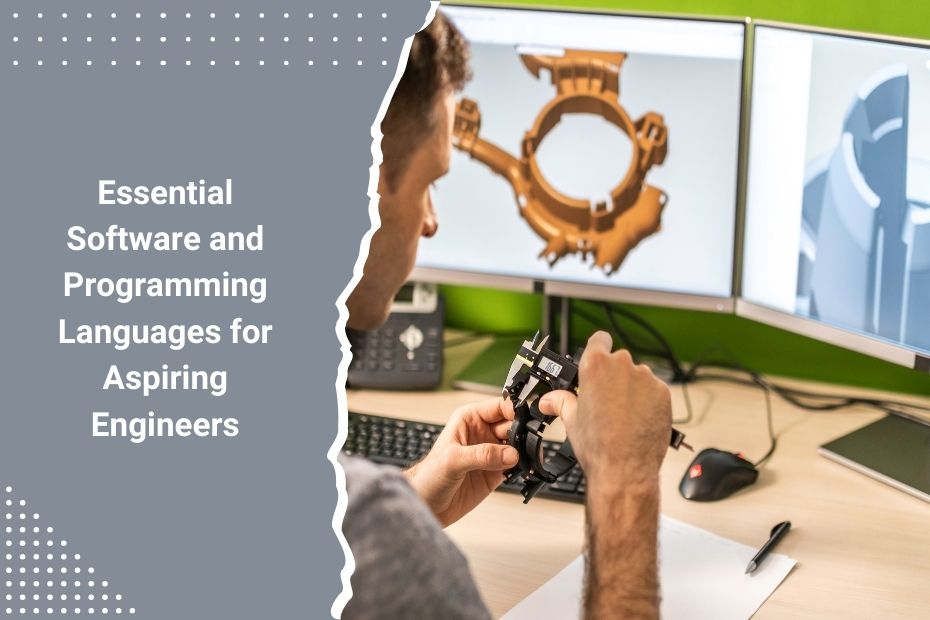
As an aspiring engineer, you already know technical knowledge is only part of the equation. What often sets you apart in school, internships, and the job market is how well you can work with the tools engineers use every day. Whether you’re studying mechanical, electrical, civil, or computer engineering, learning specific software and programming languages can speed up your workflow, help you solve complex problems, and put you ahead when it comes time to work on real-world projects. From modeling 3D parts to writing automation scripts, mastering the right platforms gives you an edge. Let’s walk through the essential tools you should be learning now—because they’ll keep showing up in your future.
Learn CAD Software Like It’s a Second Language
If you’re going into any field that involves design, prototyping, or manufacturing, computer-aided design (CAD) software will be part of your daily grind. You’re not just sketching ideas—you’re building detailed, accurate models that serve as the foundation for entire products or systems.
Start with AutoCAD if you’re interested in 2D or architectural drawings. It’s widely used and often taught early in engineering programs. If you’re working with mechanical systems, SolidWorks is your go-to. It’s excellent for 3D modeling and offers built-in simulation tools. For more advanced work, Creo Parametric gives you control over detailed assemblies and complex geometries, especially in aerospace and automotive applications.
You don’t need to master every CAD tool. Pick one that aligns with your discipline, learn the shortcuts, and start building real parts—not just textbook exercises.
Pick Up Python and Don’t Look Back
You’ll hear Python’s name in just about every corner of engineering, and that’s not hype. It’s readable, powerful, and versatile. Whether you’re analyzing experimental data, running simulations, or scripting repetitive tasks, Python can handle it. Plus, its ecosystem is packed with engineering-friendly libraries like NumPy, SciPy, and Matplotlib.
If you’re in electrical or computer engineering, Python helps you with automation and testing. If you’re in mechanical or civil, it’s great for data visualization and integrating with other software tools. And if you’re leaning into AI or machine learning, Python is the standard.
It doesn’t matter if you’re a software person or not. Get familiar with Python, and you’ll save yourself time in just about every class and project.
Don’t Sleep on C++ and Java
While Python might be the darling of the current tech stack, C++ and Java are still workhorses in engineering. You’ll encounter C++ in systems programming, embedded systems, and anything that demands high performance or real-time computing. Robotics projects? Game engines? Signal processing? That’s C++ territory.
Java is more common in large-scale applications, especially if you’re in software engineering or developing tools for business operations. It’s also a favorite in academic environments, which means a lot of your early courses might use it for programming concepts and algorithm design.
They’re not the easiest to learn, but they’ll sharpen your logic and improve your understanding of how software interacts with hardware. That’s essential knowledge if you plan to build anything that runs fast and runs reliably.
MATLAB: The Engineer’s Calculator on Steroids
MATLAB isn’t trendy, but it’s incredibly useful. You’ll use it for signal processing, control systems, image analysis, and linear algebra simulations. It’s especially helpful in electrical, mechanical, aerospace, and biomedical engineering.
The interface is friendly, the documentation is excellent, and it’s widely adopted in industry and research. If you’re doing anything with algorithms, equations, or data plots, MATLAB can probably do it—and do it faster than you coding from scratch.
Most universities have site licenses, so take advantage of that while you can. Get used to the scripting language and build a few custom functions you’ll reuse often. You’ll thank yourself later.
Simulation Tools Are Not Just For Experts
If you’re serious about understanding how your designs behave under real-world conditions, you need to get into simulation. Tools like ANSYS and COMSOL Multiphysics are industry standards. You can test stress, heat transfer, fluid flow, and even electromagnetic behavior without ever touching a prototype.
Let’s say you’re working on a drone chassis—use ANSYS to run a thermal and structural analysis to see where it might fail. Designing a microfluidic chip? COMSOL lets you simulate how fluids move at the microscale. The possibilities are wide, but the skills are specific.
Start simple. Run standard tutorials. Then apply what you learn to a class project. Don’t just aim to get it working—aim to understand why the simulation behaves the way it does.
Electrical Engineers—Know Your EDA Tools
If your future involves circuits, you need to learn electronic design automation (EDA) software. Altium Designer and OrCAD are two big names in the field. You’ll use these tools to create schematics, lay out printed circuit boards (PCBs), and simulate circuit performance before manufacturing.
Altium is known for its user-friendly interface and solid documentation. OrCAD offers powerful simulation tools and tight integration with SPICE models. Whether you’re prototyping IoT devices or designing analog amplifiers, knowing how to use these tools can cut hours off your development time.
Don’t treat these like electives—treat them like core skills.
Learn to Handle Data—Not Just Numbers
Engineers generate and process a lot of data. If you can clean it, visualize it, and find patterns in it, you’re ahead of the pack. That’s where tools like R and Tableau come in.
R is great for statistical computing, which is handy in research, experimental design, and quality assurance. It’s also used heavily in environmental and biomedical engineering, where you’re working with complex datasets.
Tableau isn’t just for business analysts. It helps you build interactive dashboards and share your results in a way that’s clear to stakeholders who don’t speak your technical language. If you want your work to make an impact, how you present it matters as much as the code that built it.
Stay Organized with Collaboration Tools
Engineering projects aren’t solo missions. You’ll be working in teams, juggling deadlines, and handing off files between people with different roles. Learn how to use tools like Slack for real-time communication, Asana or Trello for task management, and GitHub for version control.
Version control isn’t just for software engineers. If you’re writing scripts, handling simulations, or managing CAD files, GitHub helps you avoid file messes and keeps your project history clean. It also shows future employers you know how to work on technical teams.
Collaboration tools might feel optional in school, but they’re standard in the workplace. Start using them now, and they’ll feel second nature when you hit your first internship or job.
Know Your Way Around the Cloud
Cloud computing isn’t just for IT folks. As engineering tools move online, knowing how to work with platforms like AWS, Azure, or Google Cloud helps you run simulations, store data, or deploy software without needing a personal server.
If you’re doing anything with machine learning, big data, or app development, these tools will show up. You don’t need to be an expert in cloud architecture. Just get comfortable spinning up a virtual machine, storing files, and using cloud APIs when needed.
Many platforms have free student tiers, so take advantage while you can.
What software do engineers need to learn?
- AutoCAD or SolidWorks for design
- Python and MATLAB for scripting and analysis
- ANSYS or COMSOL for simulation
- Altium or OrCAD for electronics
- GitHub for version control
- Tableau or R for data handling
- AWS or Azure for cloud support
In Conclusion
The tools you choose to learn now will shape how quickly and effectively you can solve engineering problems later. You don’t need to master everything at once—but the sooner you start exploring software that fits your field, the more confident you’ll be when it matters. Whether you’re modeling parts, writing code, running simulations, or managing data, these platforms aren’t just extras—they’re essentials. So get your hands dirty, make mistakes, and keep pushing your skills forward. That’s how real engineers grow.
Engineering success isn’t just about equations—it’s about the tools you use to bring ideas to life. Start early, practice often, and stay curious. For more on my work in engineering strategy, innovation, and the future of tech-driven design, visit my Crunchbase profile.

Chrysilios Chrysiliou is a commercial real estate executive at RDPH Properties, Inc. with a diverse background in aviation and entrepreneurship. A former Greek Air Force Academy graduate, flight instructor, and flight school co-owner, he now leverages decades of strategic leadership to identify and develop high-value real estate opportunities.